
Player app guide
IPTV Smarters – Setup & Login Guide
IPTV Smarters is one of the most widely used IPTV player apps. It runs on phones, TVs, streaming sticks and computers. This guide explains what it is, how to log in, and how to fix the errors people run into most.
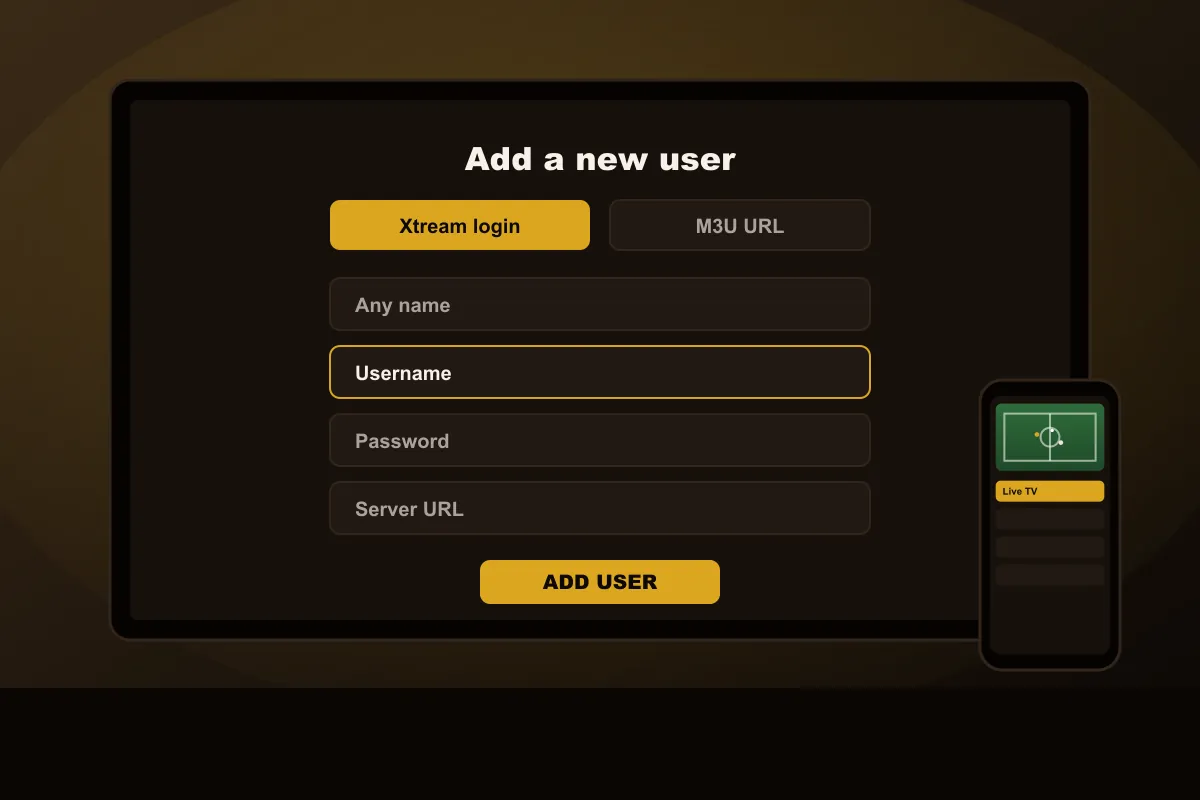
In short: IPTV Smarters is a third-party player app, not an IPTV service. To use it, install it on your device, choose the Xtream-style login (or M3U URL), and enter the username, password and server URL from your provider. FLUXIPTV works with this app and other compatible players, and you can test it free for 24 hours.
What is IPTV Smarters and how does it work?
It is a media player built for IPTV. Think of it like a web browser: it doesn't come with content of its own, it opens whatever service you log in to. When you enter your FLUXIPTV details, the app loads your live categories, program guide, movies and series into a TV-style interface.
Smarters is developed by an independent company. FLUXIPTV is not affiliated with it. App features and availability are decided by its developer and may change.
Main features
- Live TV with categories: channels grouped the way your service organizes them.
- EPG support: a program guide showing what's on now and next.
- Movies & series: separate sections for on-demand content, with resume playback.
- Multiple users: save more than one login, useful if you manage accounts for family members.
- Two login types: Xtream-style login or an M3U playlist URL.
- Favorites and search: find a channel without scrolling.
Devices that run the Smarters player
| Device | Where to get it | Notes |
|---|---|---|
| Android phone, tablet, Android TV, Google TV | Google Play | Usually the simplest install |
| iPhone, iPad, Apple TV | App Store | The Apple version may have a different name or layout |
| Fire TV Stick | Varies by model | See the Firestick guide |
| Samsung / LG Smart TV | TV app store (model dependent) | See the Smart TV guide |
| Windows & macOS | Developer's website | Handy on a laptop |
Before you start
- Your login details from WhatsApp, open on your phone so you can copy them carefully
- The device connected to the internet, ideally by Ethernet or 5 GHz Wi-Fi
- A few hundred MB of free storage for the app and its channel guide
- Five to ten minutes: the first login takes longest, because the whole guide downloads once
If you manage accounts for relatives, you can save each login as a separate user in the same app and switch between them from the start screen.
How to set up IPTV Smarters
- 01
Install the player
Get the app for your device. Availability differs between app stores and changes over time, so we confirm the current option with your trial.
- 02
Choose a login method
On the first screen, pick the Xtream-style login (recommended) or “Load your playlist / file / URL” for an M3U link.
- 03
Enter your details
Any name you like, then the username, password and server URL we send. Check for spaces and capital letters.
- 04
Load and watch
The app downloads the channel list, guide and library. Open Live TV, pick a category and start watching.
Common IPTV Smarters errors and fixes
“Invalid username or password”
Retype the details. Usernames and passwords are case-sensitive, and a space pasted at the end is the most
common cause. Also check that the server URL includes http:// and the port if we sent one.
Channels load but the guide is empty
Open Settings → EPG and refresh, or wait a few minutes after the first login while the guide downloads.
Movies and series are missing
You probably logged in with an M3U URL. Add the same account again with the Xtream login to get the full library.
Buffering
In Settings → Player, try switching the player type or stream format. Then check Wi-Fi: 5 GHz or Ethernet makes the biggest difference.
Try FLUXIPTV in IPTV Smarters
Already have the app installed? Request a 24H free trial, add it as a new user, and run through our IPTV test checklist. When you're happy, compare the plans. Prefer a playlist link? Read the IPTV M3U guide.
Questions about the app
Is IPTV Smarters an IPTV service?
No. It is a player app. It does not include any channels on its own; it plays the content of the IPTV service you log in with, such as FLUXIPTV.
Is FLUXIPTV affiliated with the app’s developer?
No. Smarters is a third-party app made by an independent developer. We explain how to use it because many customers already have it installed.
Should I use Xtream login or M3U URL?
Xtream login is usually better: it loads the channel guide and the movies and series library automatically. Use M3U only if your device does not offer the Xtream option. Our M3U guide explains the difference.
Which devices can run the app?
Versions exist for Android phones and tablets, Android TV and Google TV, iPhone, iPad, Apple TV, Windows and macOS, and some Smart TV platforms. Availability varies by store and region.
Can I use another player instead?
Yes. Any compatible player that supports Xtream login or M3U playlists works with FLUXIPTV. We suggest one for your device with your trial.
Get a login for your player
Request a 24-hour trial on WhatsApp and add it to Smarters or the player of your choice.