
The short definition
An IPTV test, also called a test line or a trial, is a temporary set of login details that gives you access to an IPTV service for a limited time, usually 24 hours. You enter those details in a player app on your TV, streaming stick, phone or computer, and the channel list, the movie and series library and the TV guide load exactly as they would for a paying customer. When the time runs out, the login stops working.
The point is simple: an IPTV service depends on things the provider cannot see from the outside. Your device, your Wi-Fi, your internet provider and the hour you watch all affect the result. A test lets you check those things yourself before you pay.
What you actually receive
A test is not an app download. It is access information, usually in one of two formats:
- Xtream Codes login: a server address, a username and a password. Most modern player apps accept this format and use it to load live TV, video on demand and the guide separately, which tends to be faster.
- M3U playlist URL: one long link that contains the channel list. Some apps only accept this format. A separate EPG link may come with it. Our IPTV M3U guide explains the difference in detail.
Along with the login you normally get a recommendation for a player app that works well on your device, plus a few setup steps. The player app itself is made by a third party; the service provides the content.
How a test line works behind the scenes
When you open a channel, the player sends your login to the provider’s server and asks for that stream. The server checks that the login is valid, that it has not expired and that it is not already playing somewhere else, then starts sending video. A test login is simply a normal login with a short expiry date and, in most cases, a limit of one active stream.
That is why a test is a fair preview: you are on the same servers, the same channel list and the same library as paying customers. The only differences are the time limit and, sometimes, the number of screens.
What an IPTV test can prove
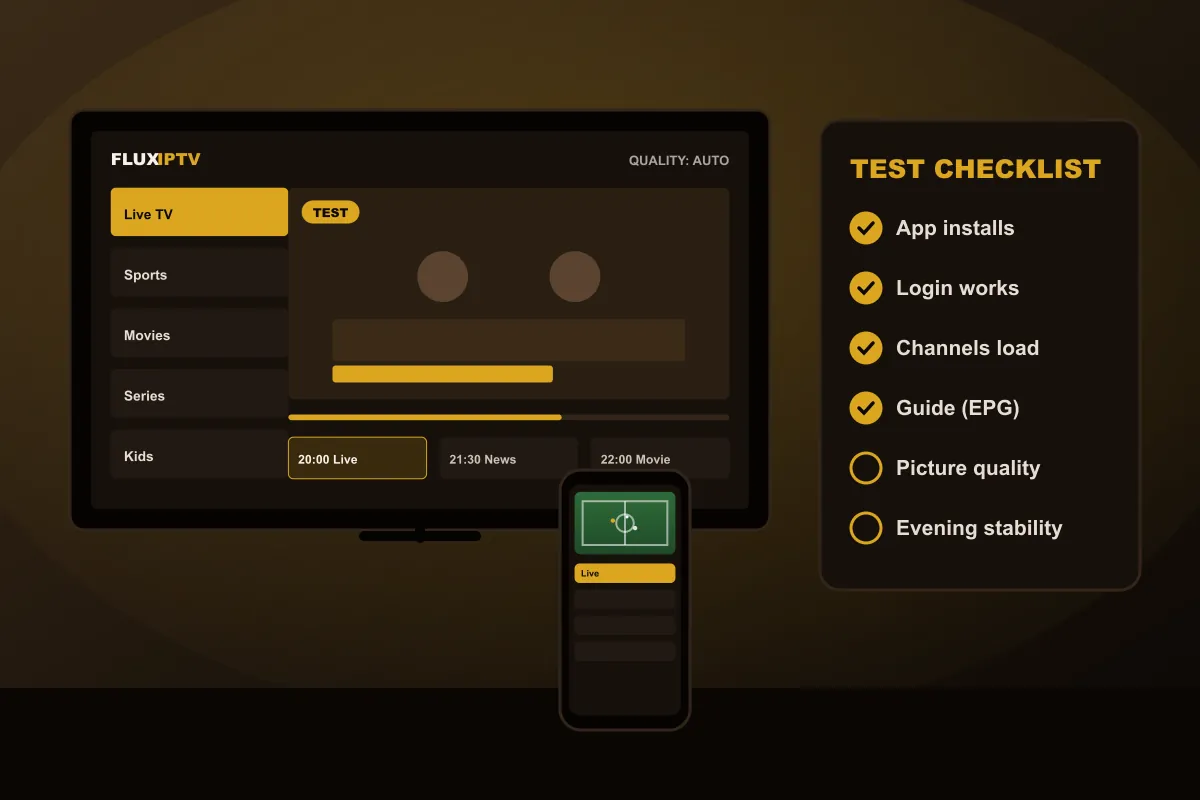
- Whether a player app installs and runs smoothly on your device model
- Whether your connection is fast and stable enough for Full HD or 4K
- How quickly channels switch and how fast films start
- Whether the TV guide shows the right programmes at the right times
- How stable the picture is in the evening, when home networks are busiest
- Whether the categories and languages you care about are included
What a test cannot prove
A day is a short sample. Be honest about what it does not show:
- Long-term reliability. One good evening is a good sign, not a guarantee for every evening of the year.
- Every event. If a big match is not on during your 24 hours, you cannot test that exact broadcast.
- Every device in your home. Test on the screen you will use most; a phone result does not predict a ten-year-old TV.
- Support quality over time. You can judge how fast and clear the setup help was, which is a useful hint.
Test, trial, demo: the words people use
You will see several terms online. “IPTV test” and “test line” are common in Europe, “free trial” is more common in North America, and “demo” sometimes means a shorter test of a few hours. Some providers charge a small fee for a test; ours is free and does not need card details. Whatever the name, check three things before you start: how long it lasts, whether it costs anything, and whether anything renews automatically.
How to get the most from 24 hours
- Install the player and log in during the day, so you have time to ask for help if something fails.
- Set the guide’s time zone right away.
- Watch the channels you use most, not only the first ones in the list.
- Keep one live channel running for an hour in the evening, ideally sport.
- Start two or three films and series to judge loading times.
Once you have results, our next article explains how to turn your test into a plan decision. Ready to start? Request your test on the IPTV test page.